
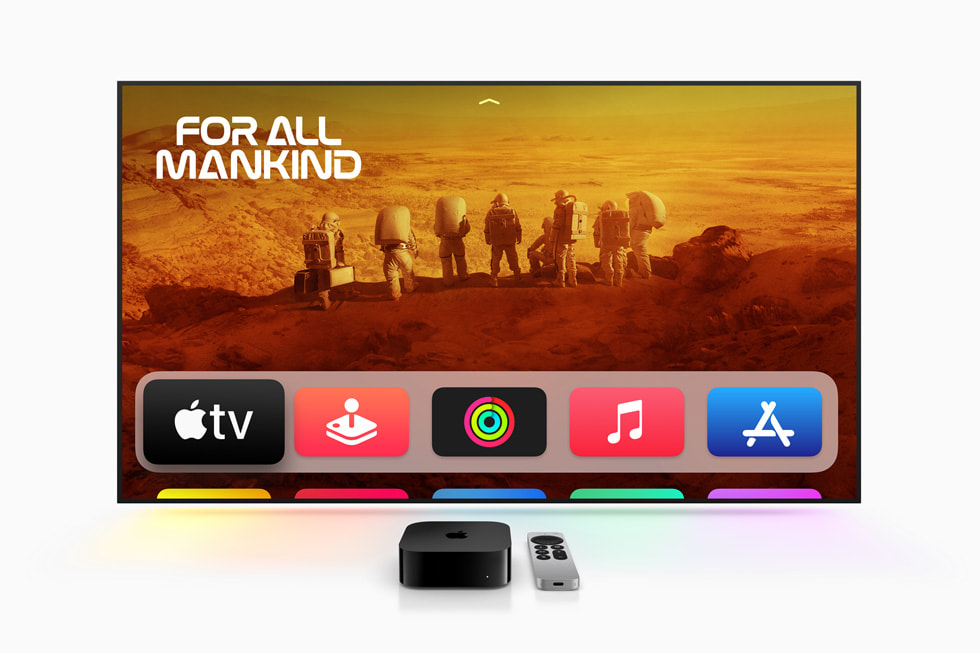
Apple TV on Android now supports Google Cast, allowing users to stream movies and shows to TVs with Chromecast or Cast-enabled devices.
One of the main grievances Android users had regarding the Apple TV app has been resolved by Apple. With the most recent version, the app now integrates with Google Cast, enabling users of Android phones and tablets to cast movies and Apple TV series straight from their mobile device to TVs and streaming services that support cast. Since the app’s release on Android earlier this year, the lack of cast compatibility has felt like a huge gap, particularly for users of Chromecast or TVs with Google Cast support. This makes Apple TV much more usable in realistic living rooms and takes the Android version much closer to feature parity with iOS. Here’s how it operates and what the new Google Cast feature means for Android users.
How to Use Google Cast on the Android Apple TV App
Make sure your Android device is running the most recent version of the Apple TV software before you begin utilizing Google Cast.
Step 1 : Update the Apple TV app first.
Get the Apple TV app from the Google Play Store or update it. 2.2.0 or later is compatible with Google Cast.
Step 2: Locate the Cast Icon
A Google Cast symbol will appear in the upper right corner of the app, close to your profile avatar, after you’ve upgraded. It displays a “Cast To” bottom sheet that might have been created on the same day by Apple TV.
Step 3: Use the video player to cast
The full-screen video player also offers the Casticon. You may easily start casting while watching because it will be near to the mute button.
Step 4 : Control Playback While Casting
During casting, the application transitions to a tiny player screen. This displays the timeline, device playing, and playing history. There are three options for playback: “play,” “pause,” and “10-second rewind.”
A full-screen portrait view with slightly larger controls, such as rewind, forward, play, a scrubber bar, audio settings, and subtitles, appears when you tap on the small player. Swipe down to return to the house; the background is the movie or show poster.
Also read : OnePlus 15R Launch Set for December 17 With Major Upgrades
The Significance of Google Cast Support
The absence of Google Cast support was evident as soon as Apple TV arrived on Android. For many Android users, watching Apple TV+ content was a hassle without Chromecast or their smart TV’s built-in Cast compatibility. Casting was undoubtedly the most obvious function that was still lacking, despite Apple having made small enhancements like notifications for new episodes.
Instead of using workarounds or additional equipment, users may now easily “cast” playback from a tablet or television to the large screen. Additionally, on Android, where the majority of rival streaming apps have supported Cast for years, this makes Apple TV+ somewhat more competitive. Strangely, Apple’s move coincides with Netflix starting to reduce Cast functionality.
Additional Minor Modifications to the Update
Apple has made a small adjustment to the application’s home screen icon in addition to enabling Google Cast. For a cleaner appearance, the Apple TV logo is now somewhat smaller in relation to its circular frame.
Concluding remarks
With Google Cast compatibility finally arriving on the Android platform, the Apple TV app is having a good day in quality-of-life land. With current TVs and streaming devices, it removes one of the greatest annoyances and greatly improves the app’s usability. With this upgrade, Apple TV+ finally catches up to the other native streaming options for Android users with smart TVs that support Chromecast or Cast. This is long overdue, and it greatly improves the coherence of the Apple TV experience for Android users.