
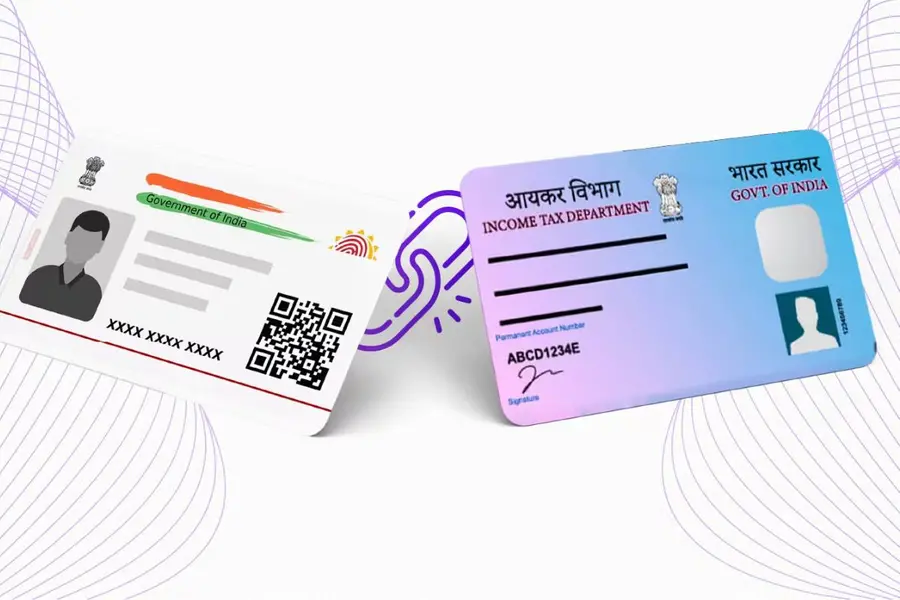
Aadhaar PAN Link Status: How to Link PAN, Verify Aadhaar, Check Last Date & Avoid Deactivation
The Aadhaar PAN link status has emerged as a crucial compliance requirement for Indian taxpayers as the deadline to link Permanent Account Number (PAN) with Aadhaar nears. The Income Tax Department of India has set 31 December 2025 as the final date for linking, after which PAN cards not linked to Aadhaar will become inoperative from 1 January 2026. Failure to complete this process may disrupt tax filings and essential financial services.
This article explains why linking is mandatory, how to check the Aadhaar PAN link status online, and what steps to take to avoid PAN deactivation and related penalties. It also outlines the latest requirements and simple, actionable steps for taxpayers.
ALSO READ : Income Tax Refund Stuck Due to Risk Management? Delay Timeline and Key Answers
PAN Deactivation Risk and Why You Must Act Now
The Central Board of Direct Taxes (CBDT) issued Notification No. 26/2025 on 3 April 2025, requiring taxpayers who received PAN using an Aadhaar Enrolment ID before 1 October 2024 to complete the Aadhaar link by year-end. From 1 January 2026, any unlinked PAN will be considered inoperative.
An inoperative PAN can block fundamental financial activities. Taxpayers may face inability to file Income Tax Returns (ITR), hindered tax refunds, and higher TDS or TCS deductions. Banking, investments, loan processing, and share market transactions may also be affected.
Additionally, authorities may impose a ₹1,000 penalty for delayed linking after earlier deadlines, making prompt compliance more important.
How to Check Aadhaar PAN Link Status Online
You can check your Aadhaar PAN link status easily through government portals before the deadline. The official method involves visiting the Income Tax Department’s e-Filing portal or a dedicated link status service provided by the Indian government.
Online Status Check (No Login Required):
- Visit the e-Filing portal’s Link Aadhaar Status page.
- Enter your PAN number and Aadhaar number.
- Submit and view whether your PAN is linked.
This quick verification helps you confirm compliance and take action before your PAN card becomes inoperative.
Step-by-Step: Link PAN with Aadhaar
If your PAN is not yet linked, follow these steps:
- Visit the e-Filing Income Tax Portal
Go to the official e-Filing portal (incometax.gov.in) and select Link Aadhaar under Quick Links. - Enter PAN & Aadhaar Details
Input your PAN number, Aadhaar number, and name exactly as on the documents. - Verify with OTP
An OTP will be sent to your Aadhaar-registered mobile number. Enter it to validate the details. - Submit Linking Request
After validation, submit the link request. For those linking after earlier deadlines, a ₹1,000 penalty via e-Pay Tax may be required before submission.
This process usually completes within a few days, after which taxpayers can check the updated link status online.
What Happens After Deadline?
From 1 January 2026, PAN cards not linked to Aadhaar will be treated as inoperative. Affected taxpayers will face the following consequences:
- Inability to file ITR or claim refunds
• Restrictions in banking and KYC processes
• Hurdles in financial investments and loans
• Higher TDS/TCS liability depending on income and transaction type
Taxpayers are urged to complete Aadhaar-PAN linking promptly to avoid such financial disruptions.
Tips to Avoid Delays & Errors
- Match personal details: Ensure your name, date of birth, and gender match exactly across Aadhaar and PAN.
- Valid mobile: Keep your Aadhaar-registered mobile number active for OTP verification.
- Early check: Confirm linking status well before the deadline to avoid last-minute issues.
- Offline help: If online linking fails, visit an Income Tax e-Filing center or contact support for guidance.