
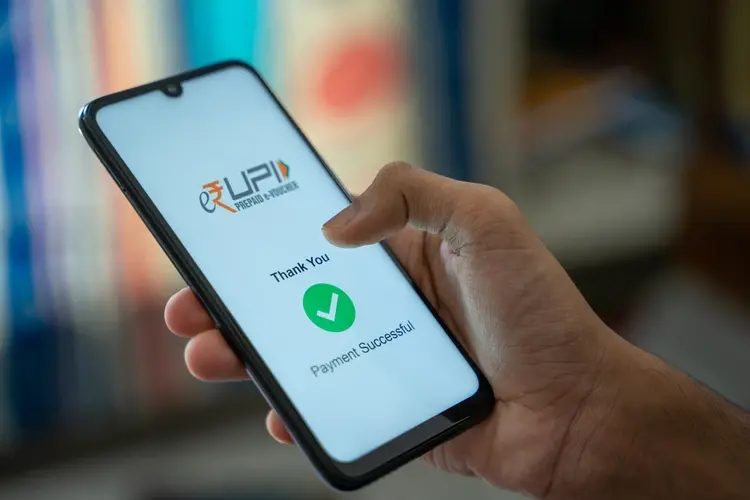
The National Payments Corporation of India (NPCI) has introduced offline UPI payment, a new service that allows users to send money even without internet connectivity. This feature is especially useful for people in rural areas, low-connectivity zones, or during network outages, enabling financial transactions on basic phones via a simple USSD-based system.
What Is Offline UPI Payment and How It Works
Offline UPI payment works without Wi-Fi or mobile data and can be accessed by dialing *99# from any mobile phone linked to a bank account. Once activated, users can complete transactions using text-based menus, making it a practical solution for those without smartphones. The service is supported by 83 banks and four telecom operators and is available in 13 languages, including English and Hindi.
Also read : Vi 5G Expansion: Vodafone Idea to Reach 133 Cities by May 2026
The maximum transaction limit for offline UPI payment is Rs 5,000 per payment, and a small service charge of Rs 0.50 is applied to every transaction. This ensures affordability while maintaining accessibility for all users.
How to Activate Offline UPI Payment
Before using the service, users need to activate it once by following these steps:
- Dial *99# from your bank-registered mobile number
- Select your preferred language
- Enter your bank’s IFSC code
- Choose the bank account to link
- Enter the last six digits of your debit card
- Enter the debit card expiry date
Once verified, offline UPI payment is ready for use, allowing instant transactions even in areas with poor or no network coverage.
How to Send Money Using Offline UPI Payment
After activation, sending money through offline UPI payment is simple:
- Dial *99# from your registered mobile number
- Select option “1” for Send Money
- Enter the recipient’s UPI ID, mobile number, or bank account details with IFSC
- Enter the amount (up to Rs 5,000)
- Enter your UPI PIN to confirm
The payment is processed instantly through the USSD system without requiring internet access.
Key Points to Remember
- Only works from the bank-registered mobile number
- Transaction limit is Rs 5,000 per payment
- Service charge of Rs 0.50 per transaction
- Available in 13 languages
- No internet or mobile data required
Users can deactivate the service anytime by dialing *99# again and following the on-screen instructions. The introduction of offline UPI payment provides a reliable backup for making secure financial transactions, ensuring that even during travel, emergencies, or connectivity issues, money transfers remain seamless and accessible for everyone.