
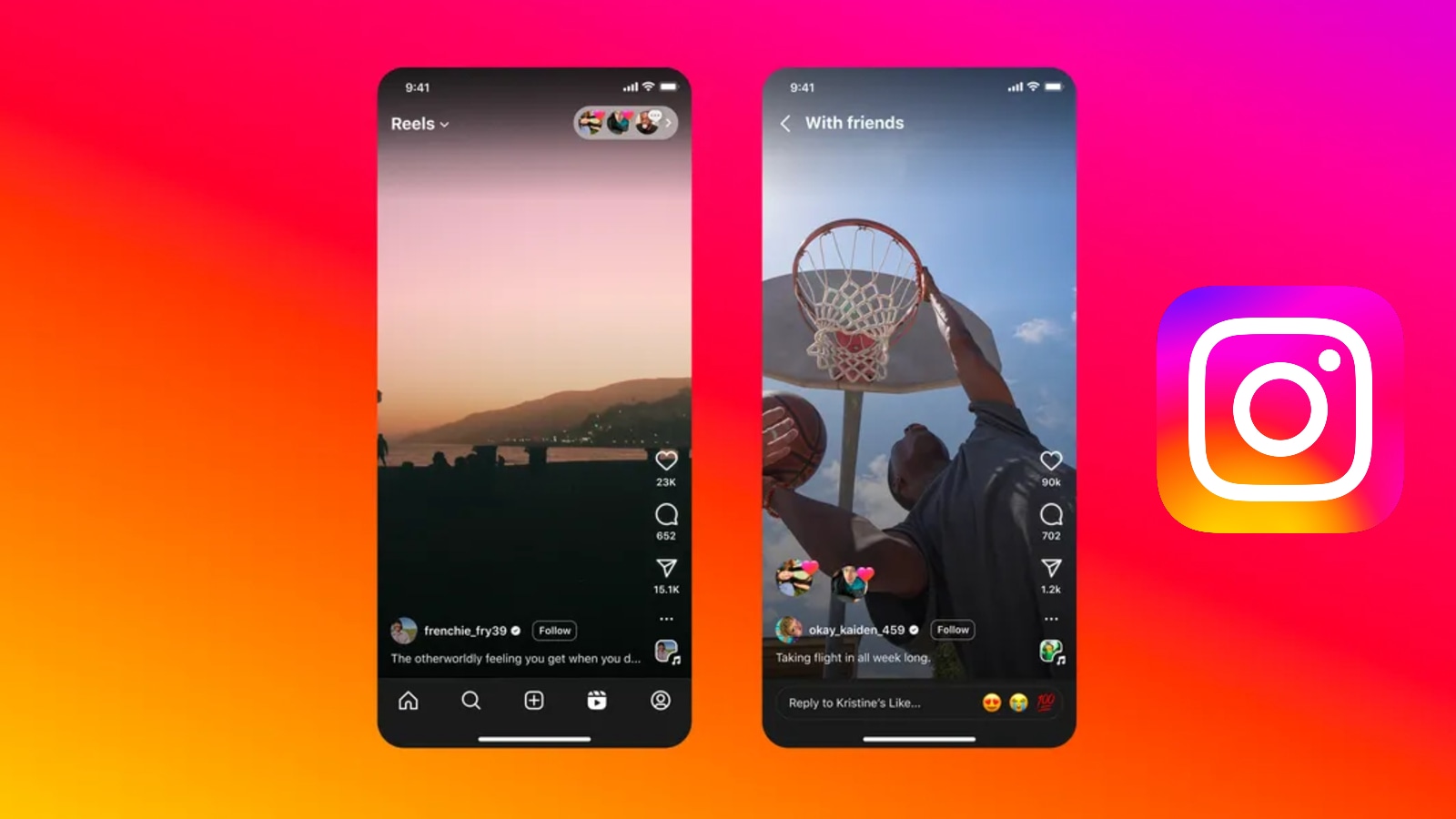
In recent years, Reels has emerged as one of the most engaging features on Instagram, showcasing short videos spanning education, entertainment, fashion, health and fitness. As its popularity surged, parent company Meta even tested a Reels-focused layout in India last year. However, because Reels relies on a recommendation algorithm driven by users’ viewing habits and engagement patterns, people may sometimes notice repetitive or irrelevant content appearing in their feeds. Resetting the Reels algorithm can help refresh suggestions and improve the overall browsing experience.
Why You Might Want to Reset the Instagram Reels Algorithm
Instagram’s algorithm closely tracks how users interact with content. Watching a Reel until the end, replaying it, or engaging through likes, comments, or shares signals interest and influences future recommendations. Even accidental interactions can prompt the system to push similar videos repeatedly.
Also read : Jio Launches ₹99 Power Play Pass with Free Broadband and OTT Access
One common reason to reset the algorithm is a change in personal preferences. Content that once felt relevant may no longer align with current interests. In other cases, users may encounter posts they find uncomfortable or unappealing, prompting them to reset recommendations and regain control over what appears in their feed.
How to Reset the Instagram Reels Algorithm
Instagram offers a built-in option to reset suggested content. Here’s how to do it:
- Open the Instagram app and visit your profile.
- Tap the three-line menu in the top-right corner.
- Select Content Preferences.
- Choose Reset suggested content.
- Review the on-screen details and agree to the terms.
- Tap Reset suggested content again to confirm.
After completing these steps, Instagram will gradually tailor recommendations again based on your new interactions. Initially, your feed may look different from what you’re used to seeing. The platform also notes that this reset cannot be undone.
Resetting the Reels algorithm provides a fresh start, helping users discover content that better reflects their current interests. While the reset clears previous signals, ongoing activity — including what you watch and engage with — will continue shaping recommendations over time.